
Openpos – WooCommerce NF525 Compliance
NF525 compliant fiscal data protection for Openpos with digital signatures and audit trail
Details
-
2.0.1
Version
-
29/01/2026 - 17:00:32.
Updated
-
OpenPOS Team
Author
-
Support Service
License
For customers with support service non expired. - Downloaded 9
How to get "OpenPOS" Purchase code ?
This addon have no support service.
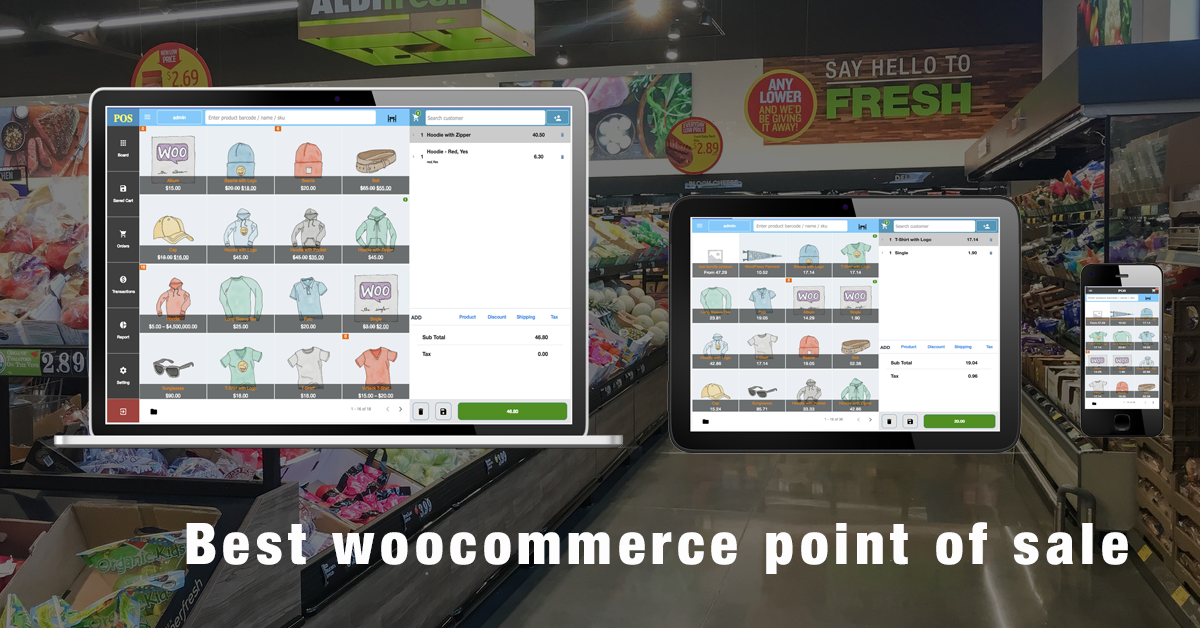
NF525 compliant fiscal data protection for Openpos
1. Introduction
The WooCommerce Openpos NF525 Compliance Plugin is designed to help merchants comply with the French fiscal regulation NF525 for Openpos, as required by article 286-I-3 bis of the French General Tax Code.
The plugin ensures that sales data recorded in WooCommerce is:
- Inalterable
- Secured
- Conserved
- Archived
This plugin is suitable for WooCommerce version 10.4.3 and later.
2. Who Needs This Plugin?
You need NF525 compliance if you using OPENPOS plugin and:
- Sell to individual customers (B2C) in France
- Accept cash, card, or electronic payments
- Are subject to French VAT (TVA)
Typical use cases:
- WooCommerce + POS
- WooCommerce with in-store pickup
- WooCommerce used as a cash register
3. What the Plugin Does
Core Features
- Automatically seals each receipt after checkout
- Prevents modification or deletion of fiscal data
- Creates a hash chain to detect tampering
- Handles Cancel and Refund operations correctly
- Provides exportable fiscal data for audits
- Supports long-term data conservation (6 years)
4. NF525 Principles Implemented
| NF525 Principle | How the Plugin Implements It |
|---|---|
| Inalterability | Sealed orders cannot be edited |
| Securing | SHA256 hash chain |
| Conservation | Data stored permanently in database |
| Archiving | Period-based closing (monthly) |
5. Installation
- Download the plugin ZIP file
- Go to WordPress Admin → Plugins → Add New
- Click Upload Plugin
- Upload
woocommerce-openpos-nf525.zip - Activate the plugin
⚠️ WooCommerce must be active before activating this plugin.
6. How Receipts Are Created
Normal Sales
- When an order is completed, the plugin:
- Assigns a unique sequential number
- Generates a cryptographic hash
- Seals the order (cannot be edited)
Cancelled Orders
- If an order is cancelled:
- A CANCEL receipt is generated
- Original data remains unchanged
- Amount is recorded as zero
Refunds
- When a refund is issued:
- A REFUND receipt is created
- A new sequence number and hash are generated
- The refund receipt is linked to the original order
- Amount is recorded as negative
❗ The original receipt is never modified.
7. Order Locking (Inalterability)
Once a receipt is sealed:
- Order totals cannot be changed
- Items cannot be edited
- The order cannot be deleted
This ensures compliance with NF525 inalterability requirements.
8. Fiscal Data Export (Audit Use)
How to Export
- Go to WooCommerce → NF525
- Click Export fiscal data
- A CSV file will be downloaded
Export Contents
The export file includes:
- Receipt sequence number
- Receipt type (NORMAL / CANCEL / REFUND)
- Order ID
- Parent order ID (for refunds)
- Date and time
- Amount and tax
- Cryptographic hash
This file can be provided directly to:
- French tax authorities (DGFiP)
- External auditors
- Accounting firms
9. Archiving and Data Retention
- Fiscal data must be conserved for at least 6 years
- Monthly archiving can be performed to:
- Freeze a period
- Calculate an archive hash
- Prepare data for audits
Archived data must not be altered.